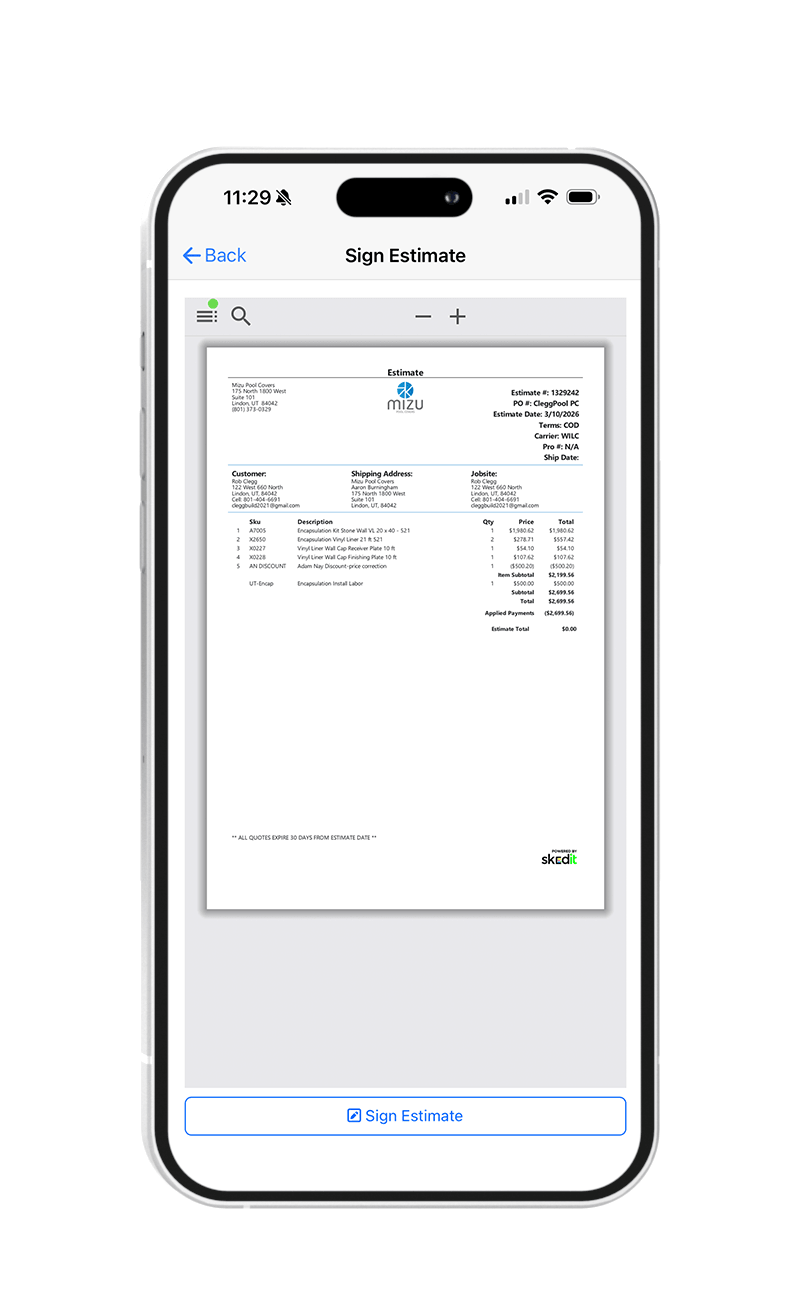


Mobile Signatures makes closing out jobs faster and more professional. Technicians can now capture a customer’s signature directly on their mobile device before leaving the jobsite.
Once the work is completed, the technician presents the invoice or work summary for review, and the customer signs on the spot. The signature is automatically saved to the job record and attached to the invoice, creating a clear, time-stamped confirmation of completed work.
This helps reduce billing disputes, speeds up approvals, and ensures accurate documentation without extra paperwork or follow-up.
Key Benefits
- Capture customer signatures in the field
- Signatures are automatically saved to invoices and job records
- Faster job close-outs and billing
- Clear proof of work completion
How to Use Mobile Signatures
You can access this feature in the mobile app by going to the Invoices section or opening an invoice or quote linked to a job. From there, tap the PDF button in the bottom-left corner to open a print-preview PDF, where the customer can sign directly on the screen using their finger.